Makerspace Technology Use
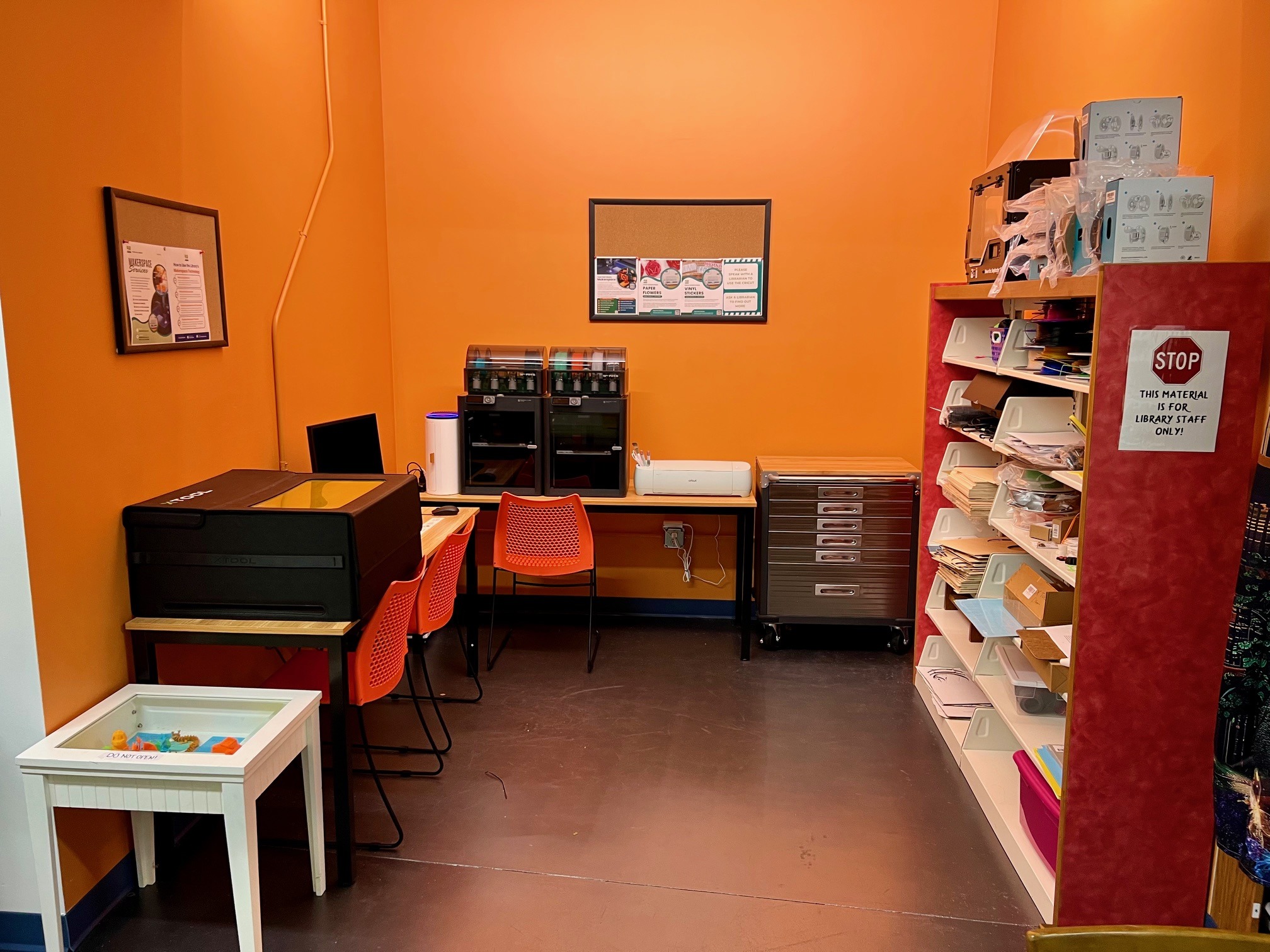
Are you an adult or family interested in using our Makerspace technology? Here are some ways you can work with our equipment:
Individual Appointments
Click the equipment-specific links below to learn more about our technology offerings, then use the appointment form below to schedule your first session. During your first appointment, a librarian will review the Makerspace policies with you, offer a brief orientation, and discuss future appointment scheduling practices. In most cases, an appointment timeslot will result in one completed project.
Program Attendance
Want to get familiar with our technology in a group setting? We offer regular programs and classes for our Makerspace equipment. From quick personalized projects to multi-week classes on learning design basics, there are lots of ways to experience our Makerspace. Visit our Events Calendar to learn more about upcoming programs.
Makerspace Monday
Drop by our once-a-month Makerspace Monday evening to get some hands-on experience with our technology – no appointment necessary! A librarian will be present to offer assistance for first-time users. See the Events Calendar for dates and details.
Creative Technology Available in the Makerspace:
Uses:
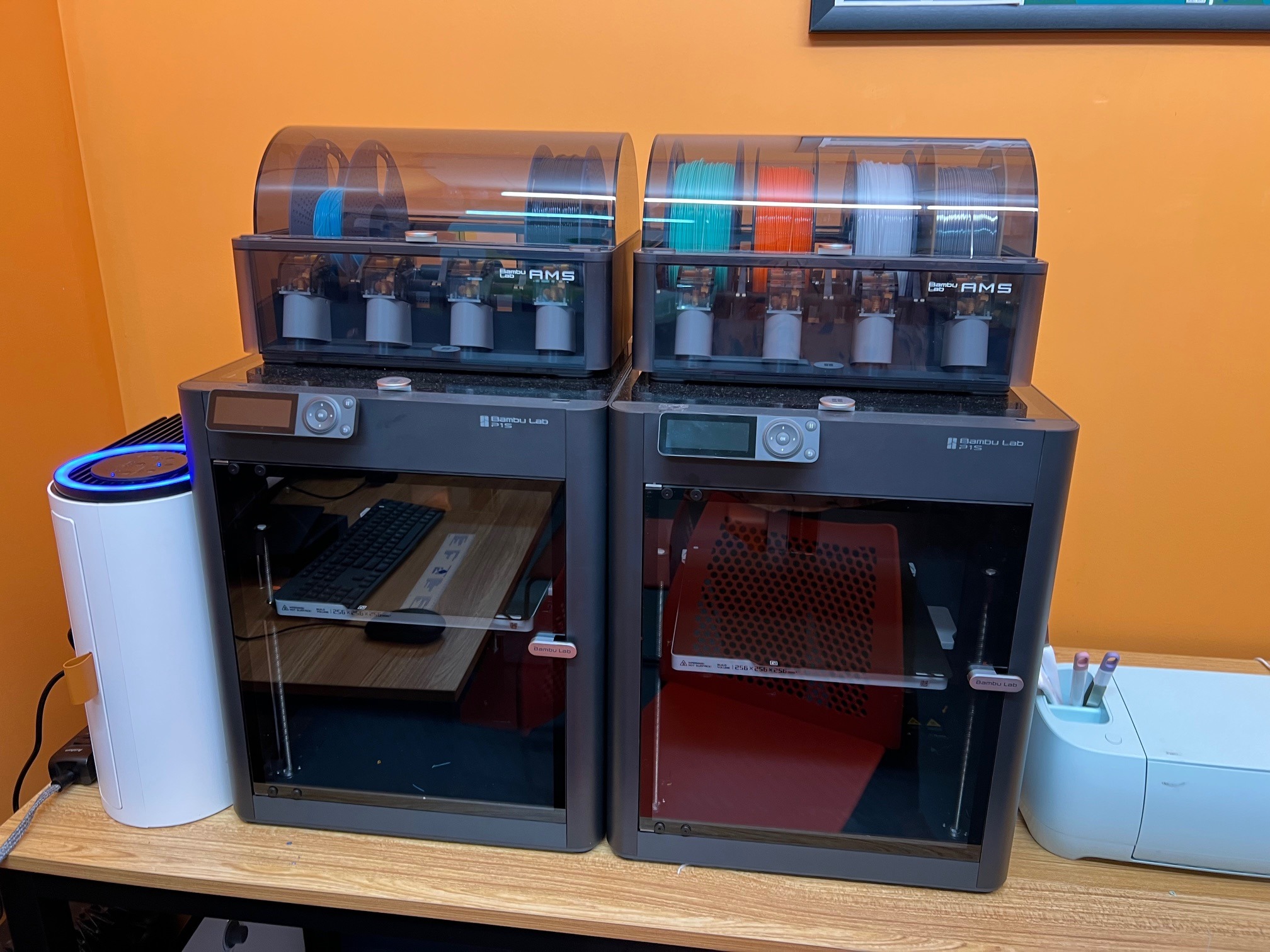
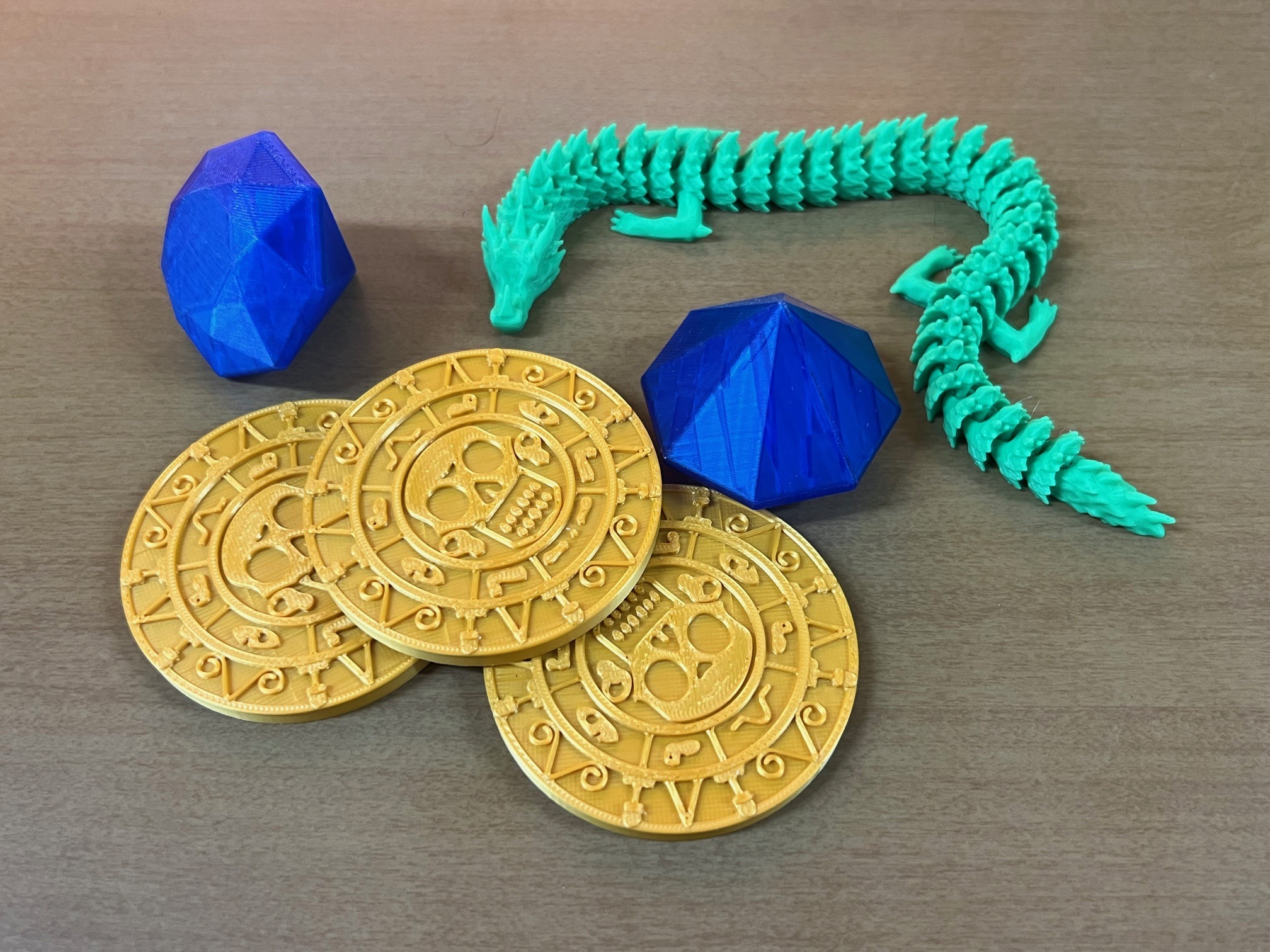
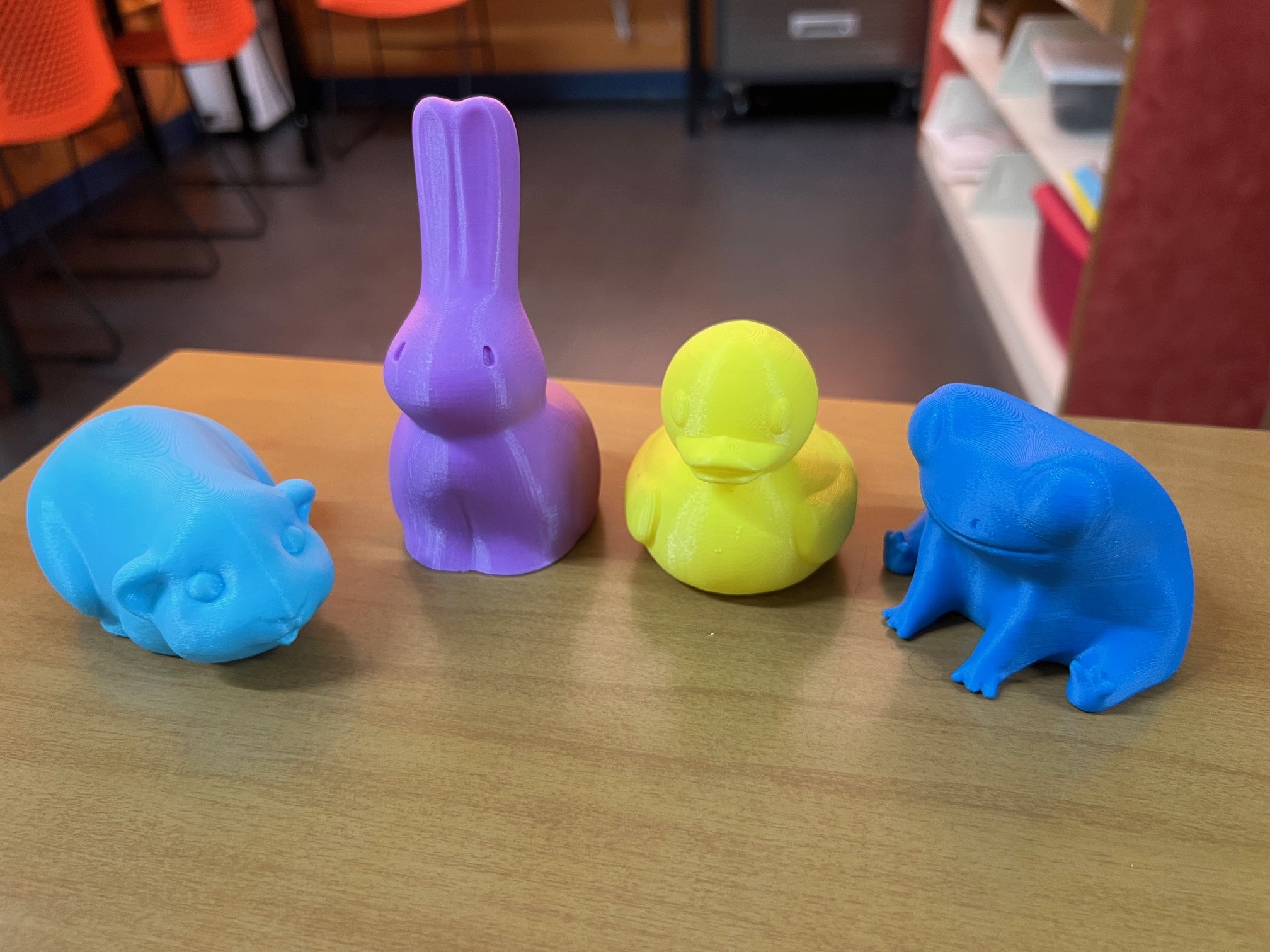
Our Bambu Lab P1S 3D Printer (2 available) can be used to create almost anything! From personalized keychains to small toys to practical gadgets, there are so many possibilities.
Design Information:
Town Hall Library offers a publicly available Bambu Studio design account to use with the machine, although you are also able to use your own Bambu Lab-compatible design account.
Consumable Materials:
We have limited supplies of filament available for use, typically in the amount of one small project per month. A voluntary donation of $0.10/gram is suggested to cover the cost of supplies used.
Uses:
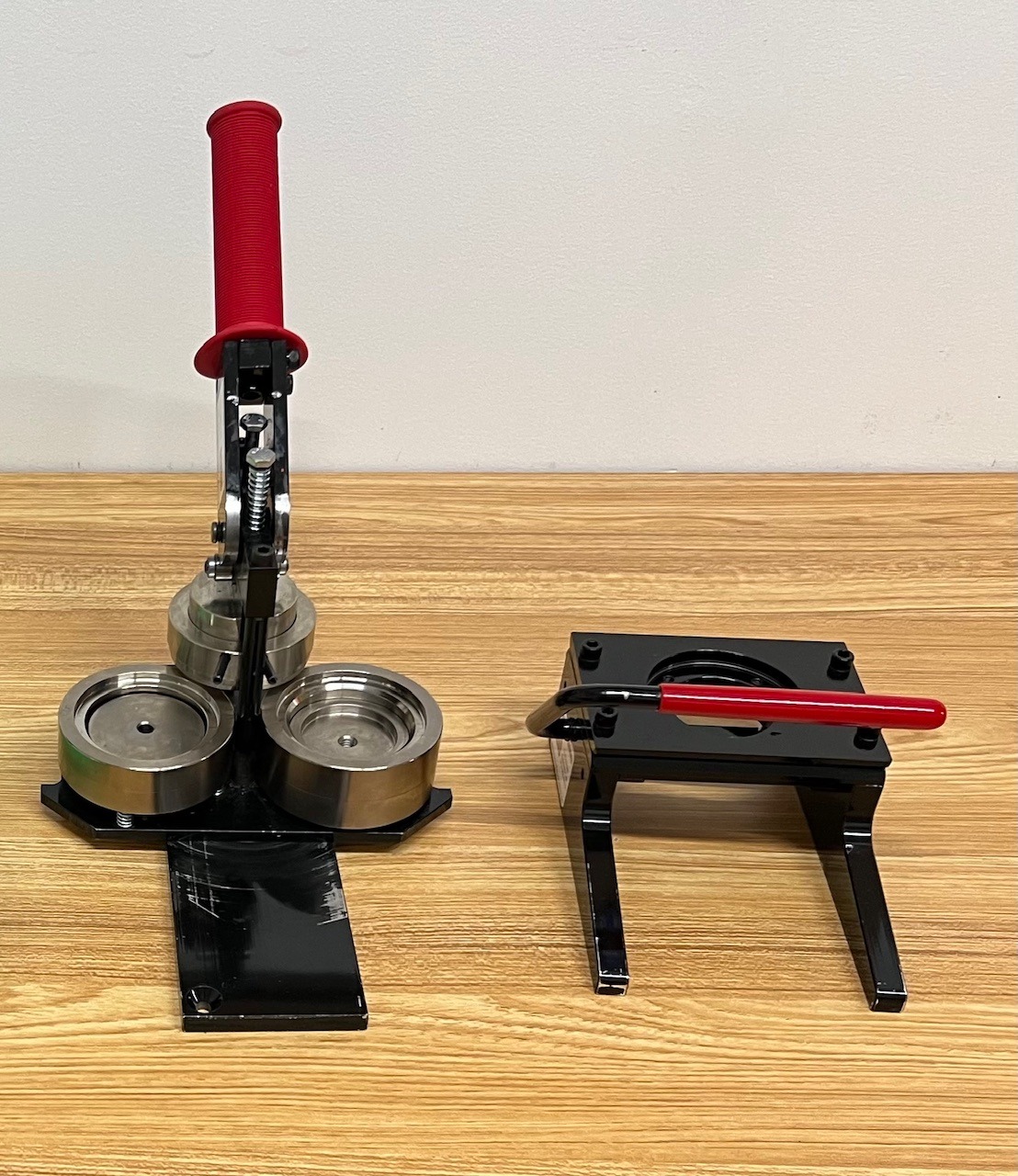
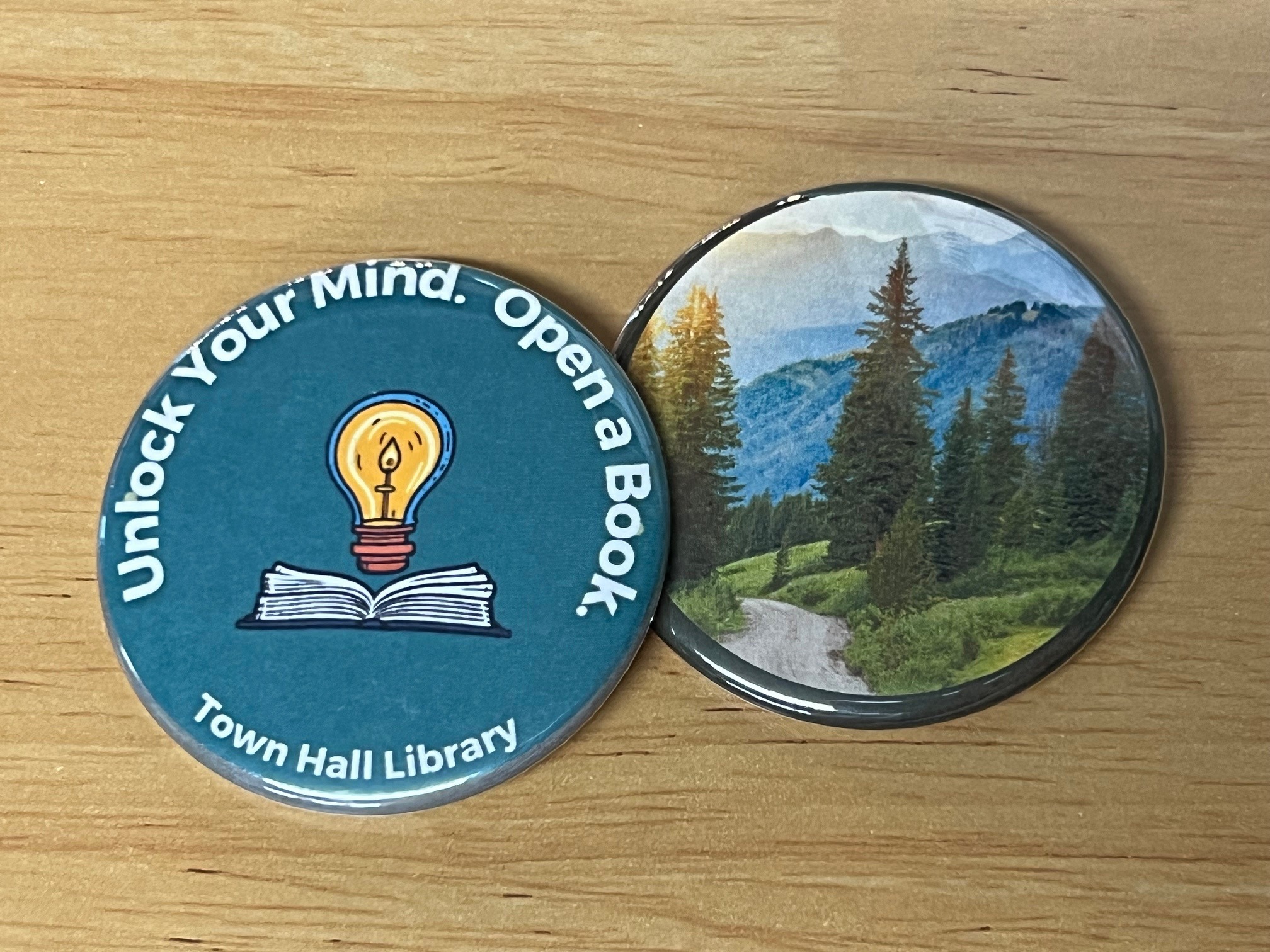
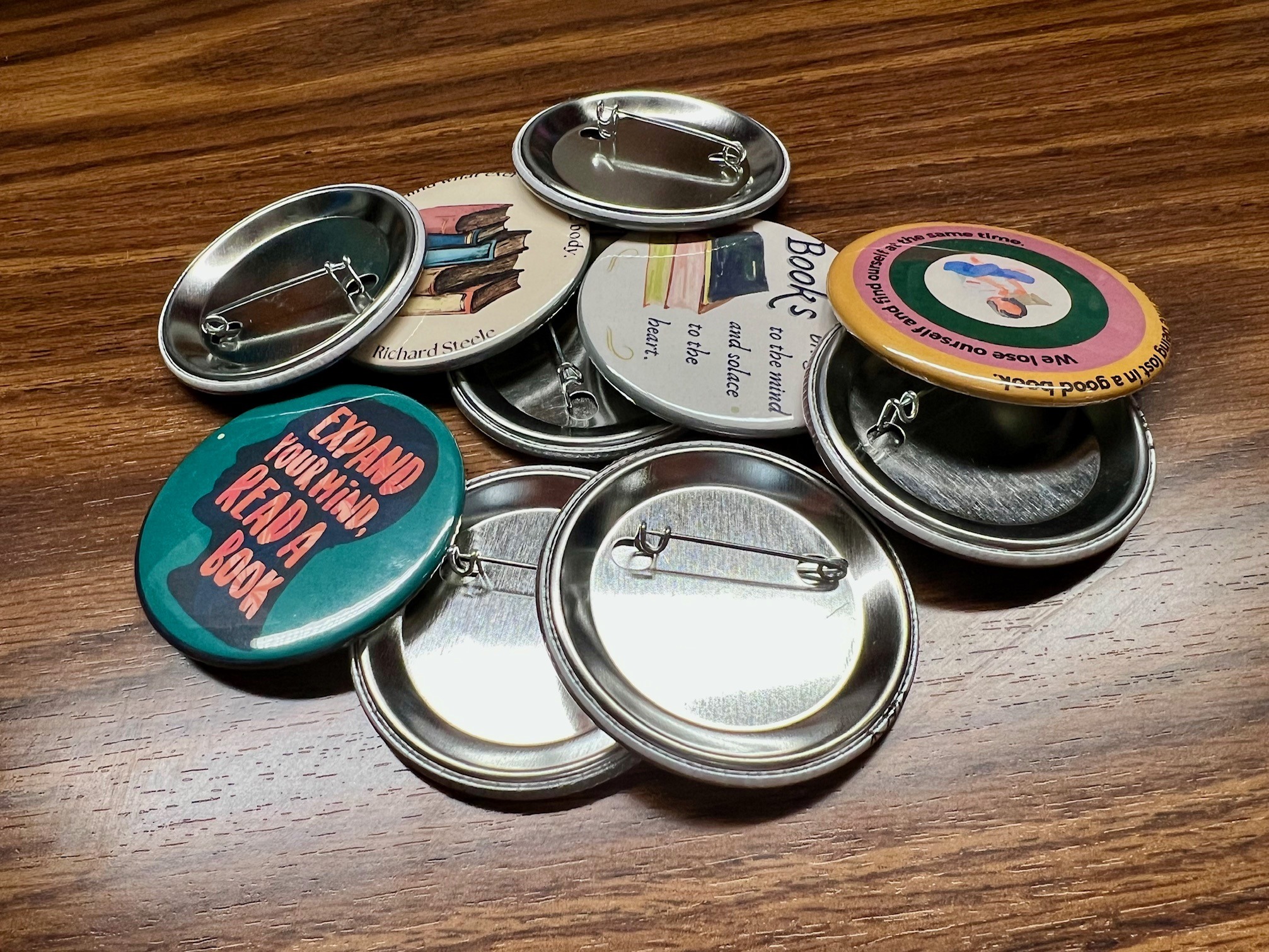
We have three button makers available to create three different sizes of buttons: small (1”), medium (2.25”), and large (3”). Our kits allow you to create a custom button, magnet or keychain.
Design Information:
These simple-to-use machines let you create a button out of an ordinary sheet of paper, meaning you can draw, color, or digitally design buttons to fit your exact needs. By pressing the paper between a button backing and transparent shell, our button maker turns your design into wearable, lasting art.
Consumable Materials:
A voluntary donation of $0.50/kit is suggested to cover the cost of supplies used.
Uses:
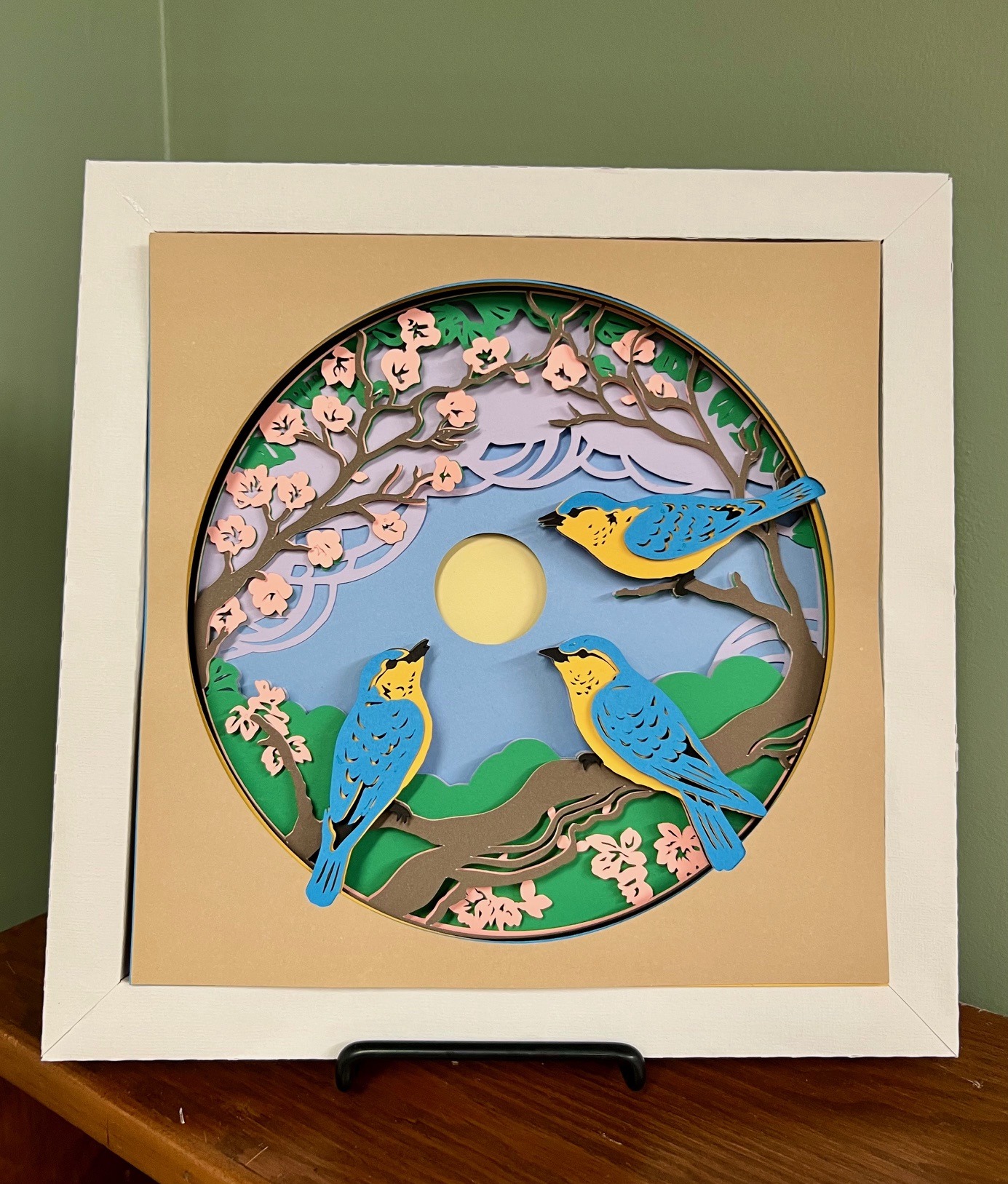
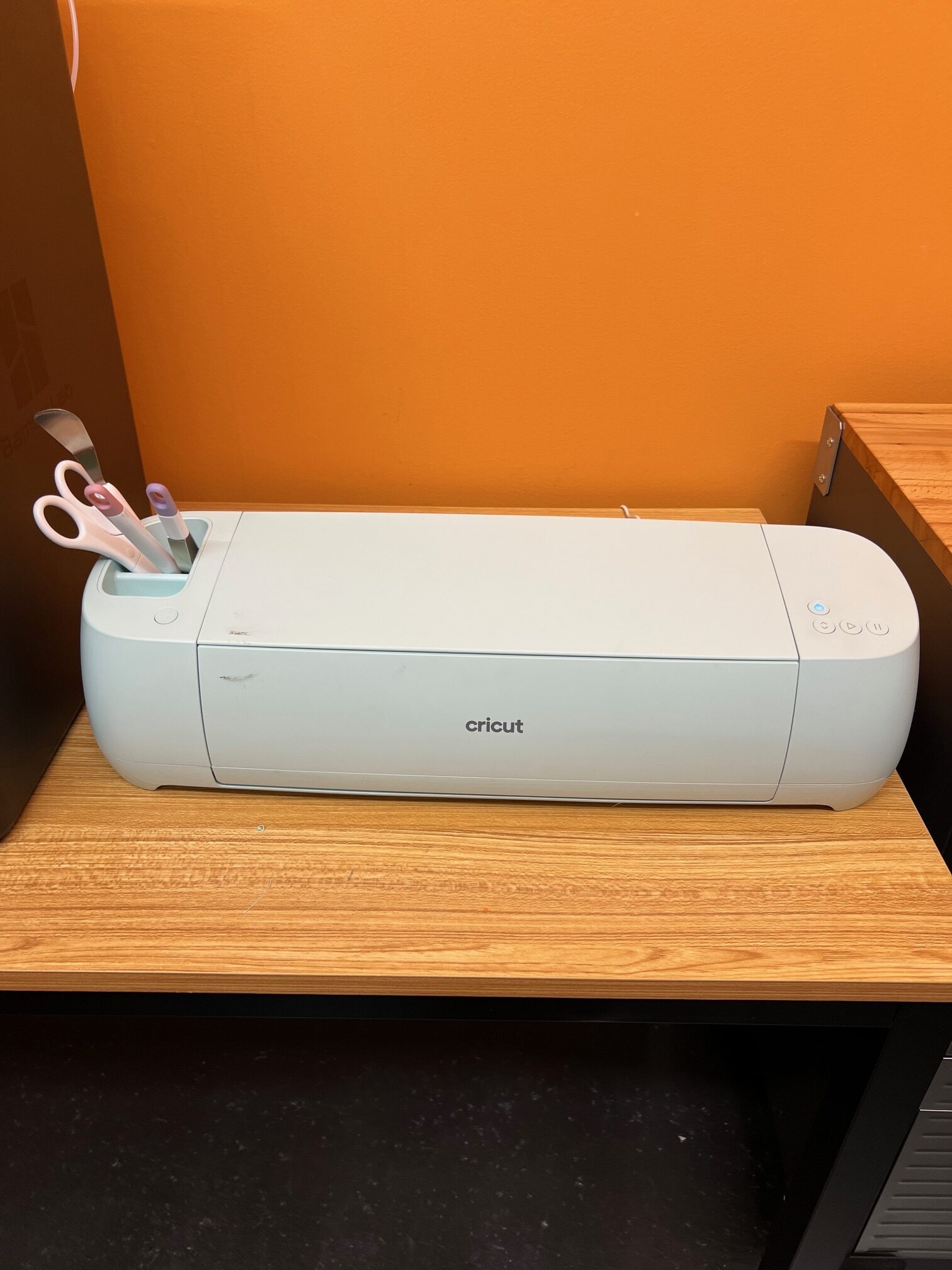
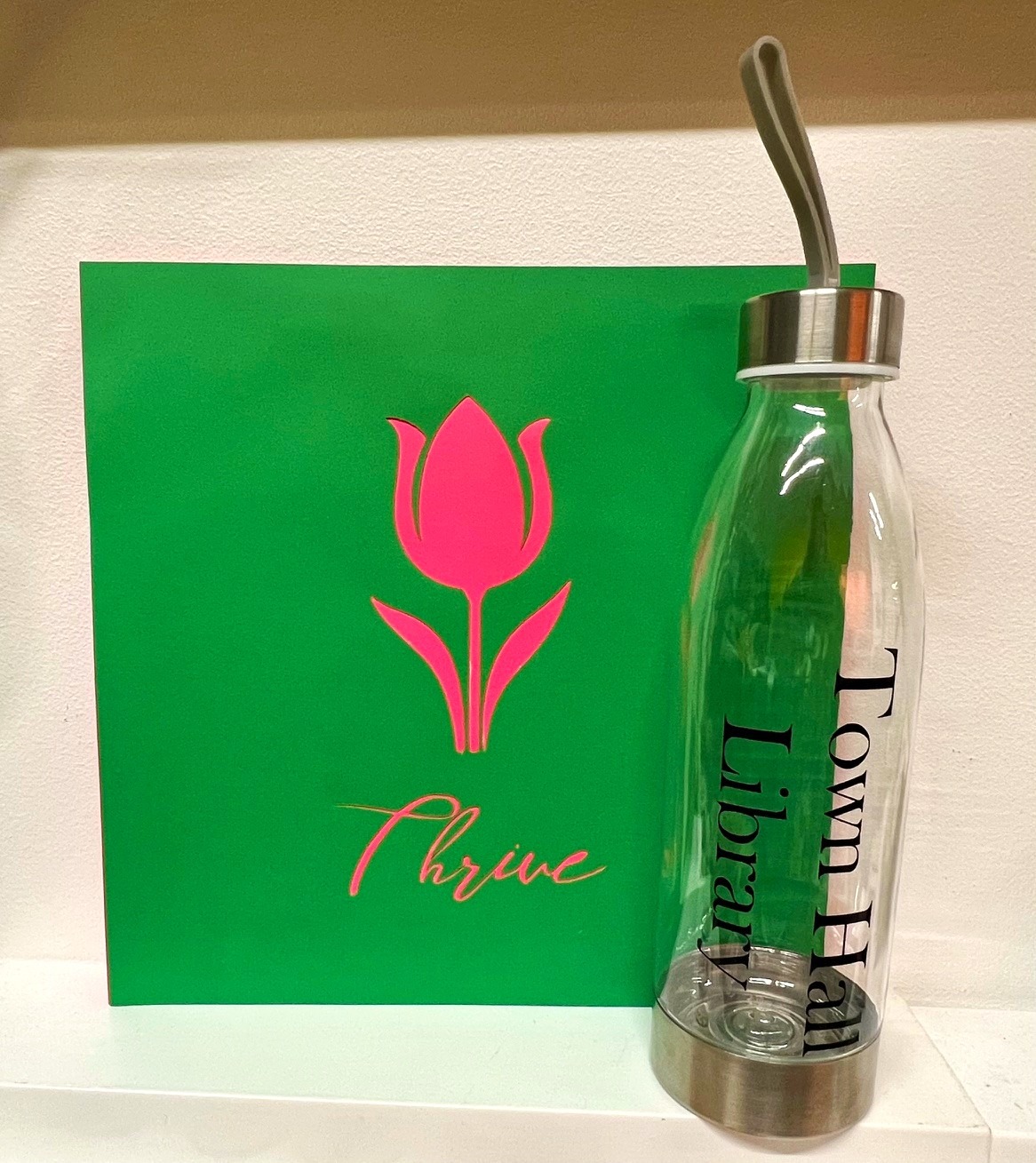
Our Cricut Explore 3 is perfect for all your paper cutting needs! Whether you are decorating a bulletin board, creating a hand-crafted greeting card, or looking to cut any design quickly and easily, the Cricut is a great tool to consider.
In addition to paper, the Cricut Explore 3 can also handle vinyl sticker material, meaning you can easily cut out words or shapes to personalize water bottles, home decor, and more.
Design Information:
Town Hall Library offers a publicly available Cricut Design Space account to use with the machine, although you are also able to use your own Cricut Design Space account.
Consumable Materials:
Our Cricut cuts materials like paper, cardstock, and vinyl sheets that are a maximum of 12 x 12 inches in size. The designs cut from these materials can be a maximum of 11.5 x 11.5 inches in size. A voluntary donation of $0.25/cardstock (12″x12″); $0.10/colored paper (8.5″x11″); $0.50/vinyl sticker sheet (12″x12″) is suggested to cover the cost of supplies used.
Uses:
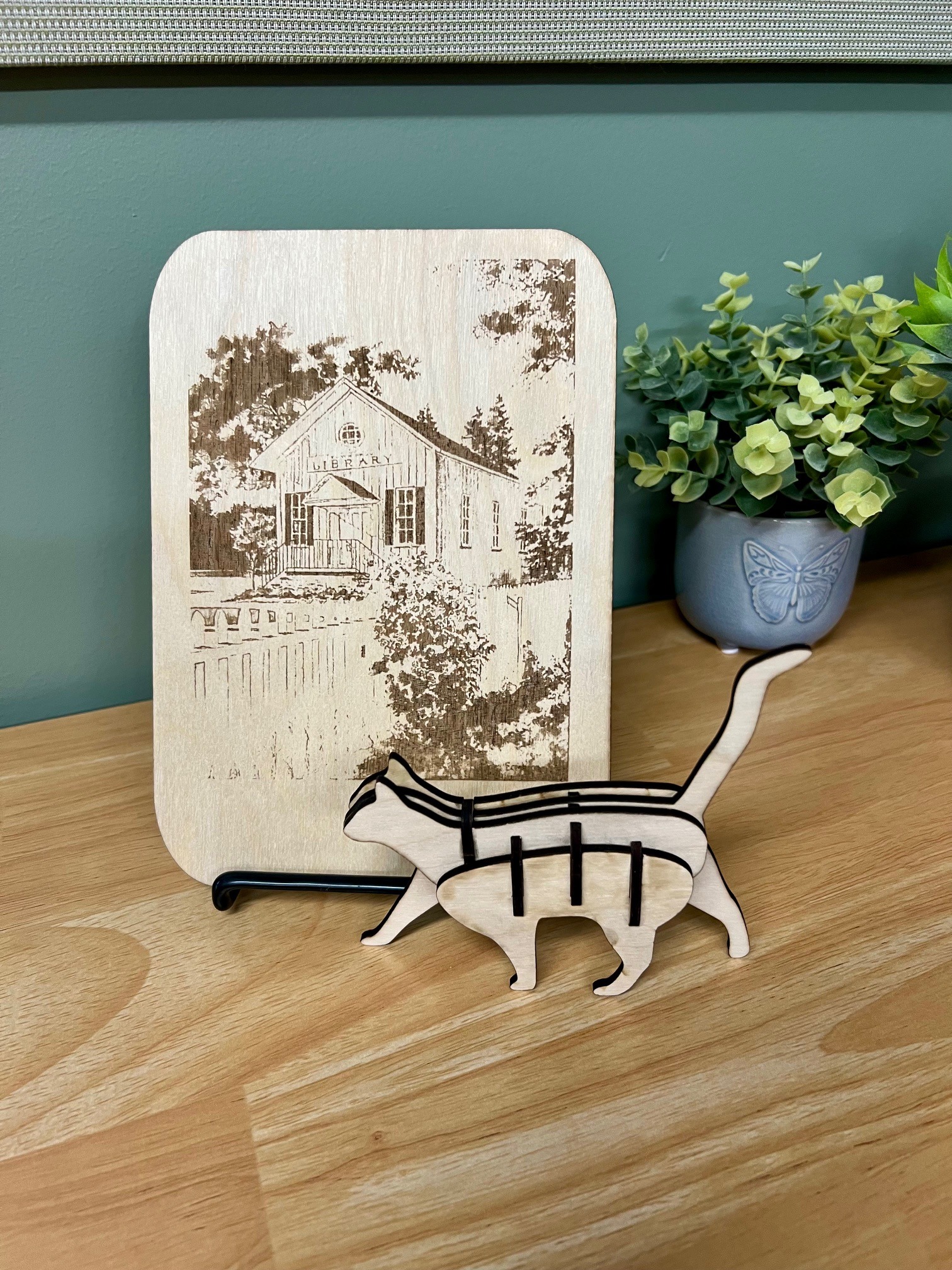
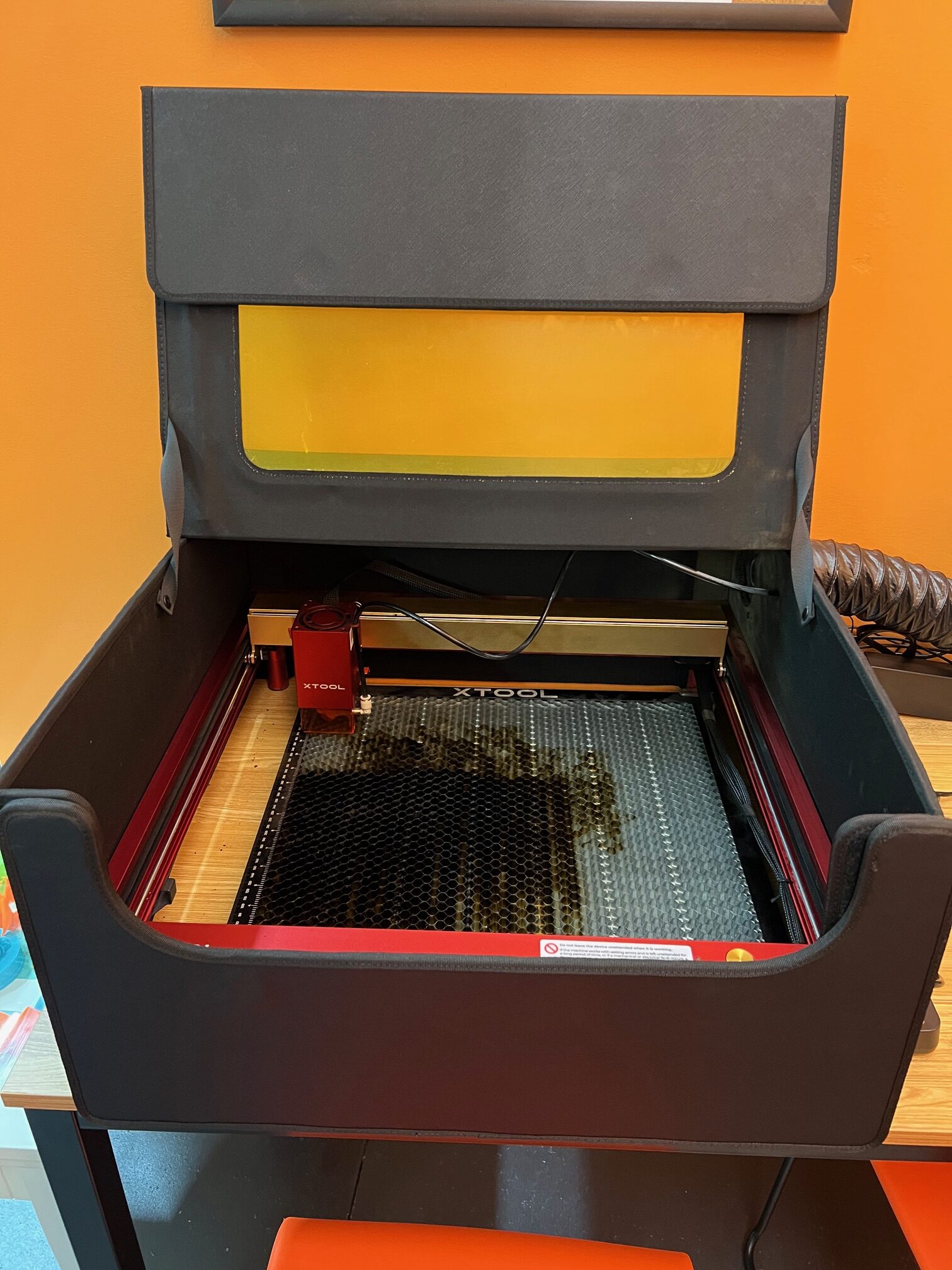
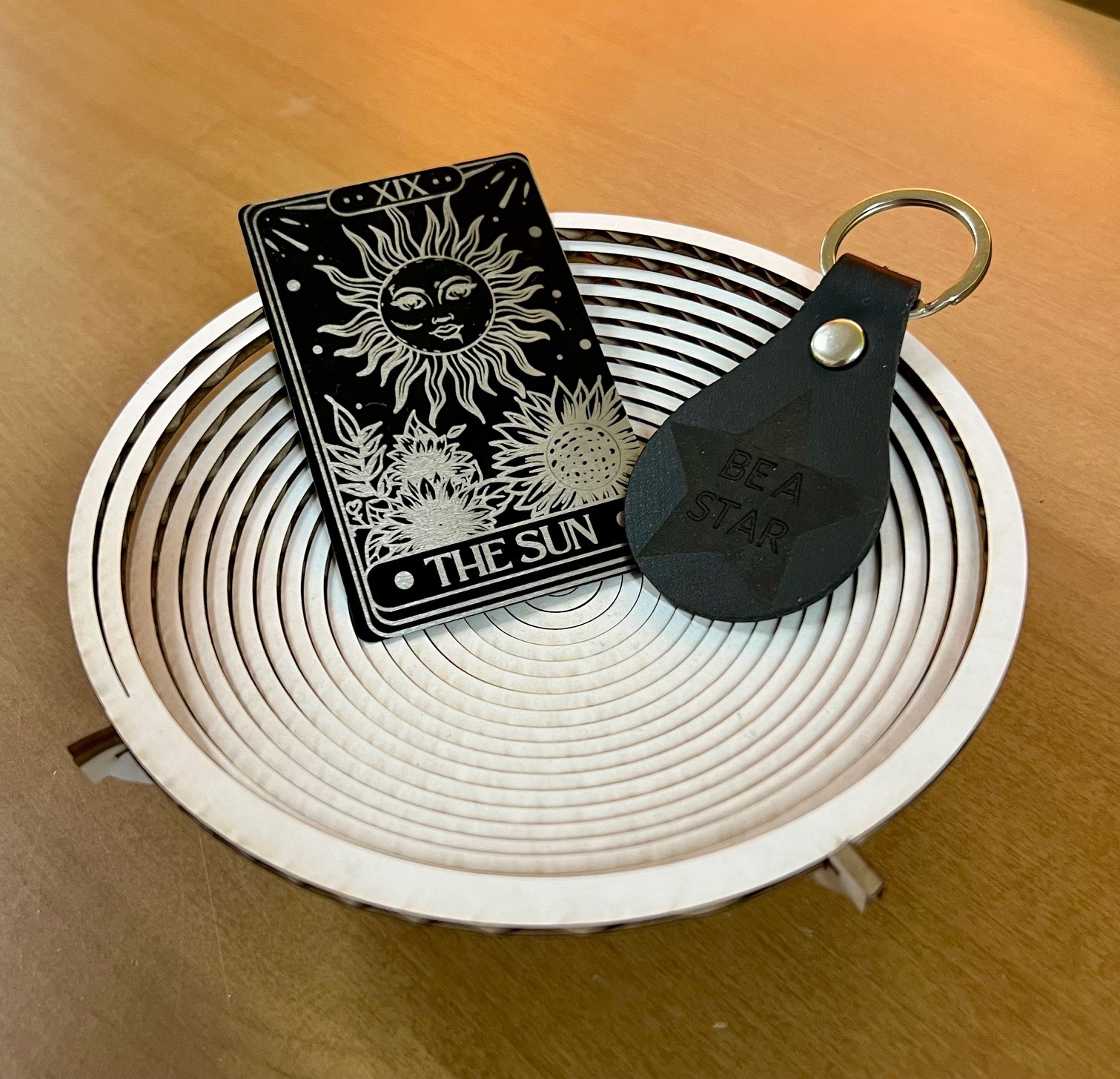
Our xTool D1 Pro 2.0 – 20-Watt Diode laser can be used to create so much! From wooden name tags to metal keychains to decorative items, there are so many possibilities.
Design Information:
Town Hall Library offers a publicly available xTool Studio design account to use with the machine, although you are also able to use your own xTool-compatible account.
Consumable Materials:
Not all laser engravers can handle the same materials, often referred to as “engraving blanks”. You are welcome to bring your own materials but please consult with a librarian to ensure compatibility first.
We have limited supplies of engraving available for use. A voluntary donation of $1.00/basswood sheet (12″x12″); $0.25/metal wallet card is suggested to cover the cost of supplies used.
Uses:
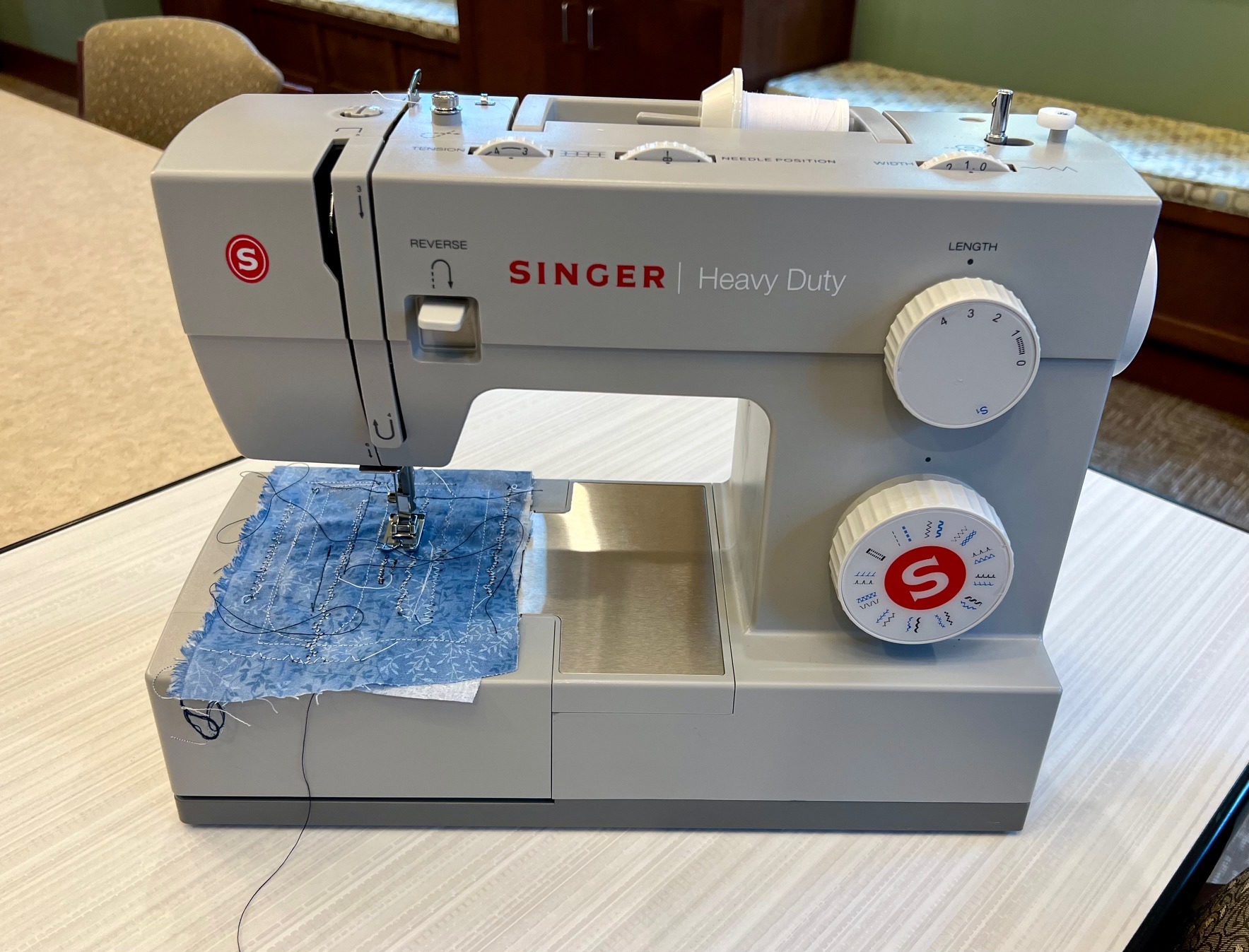
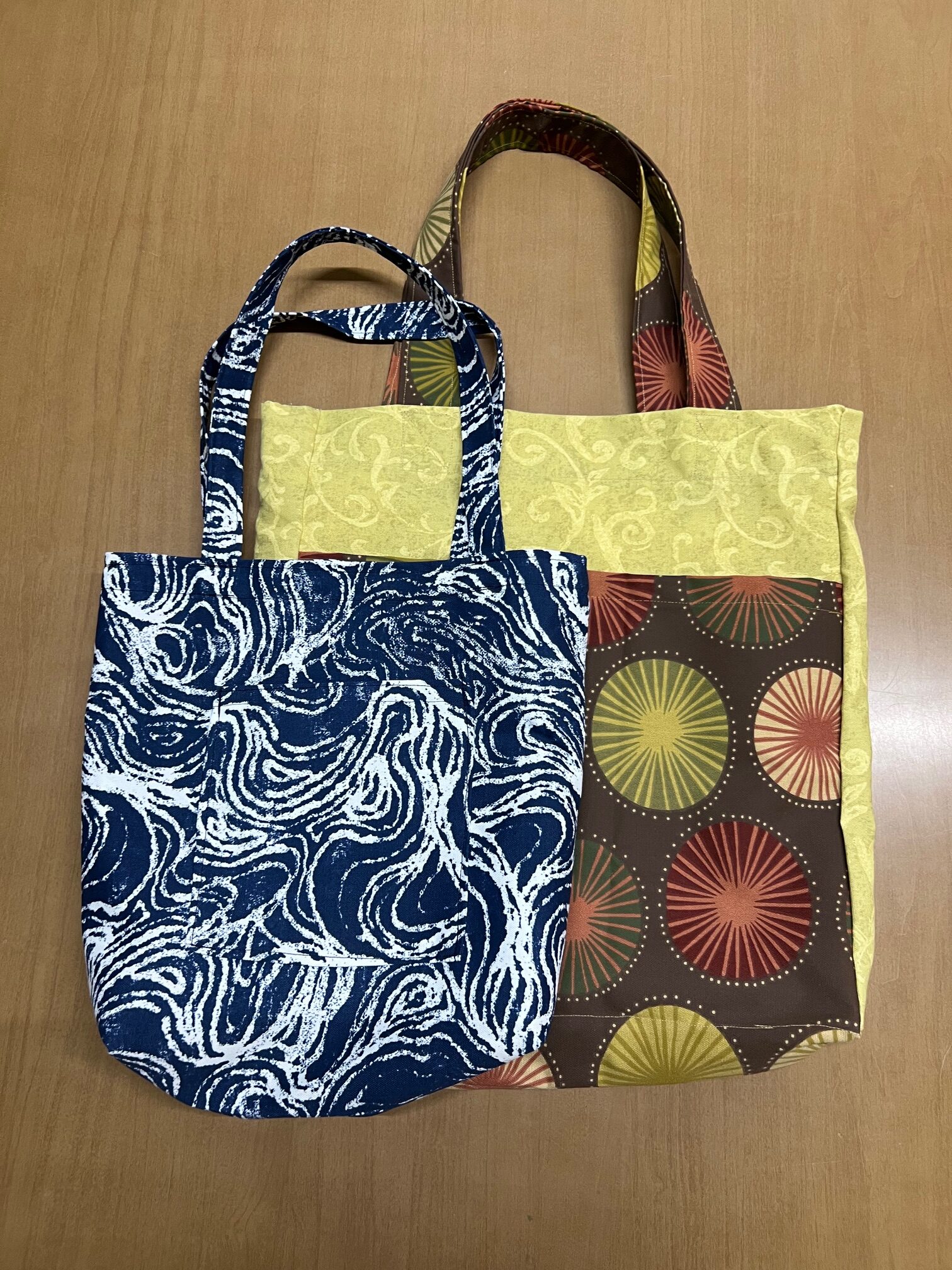
Whether creating an original project or doing a quick fix on a favorite item of clothing, our Singer Heavy-Duty Sewing Machine is a useful tool.
Our machine features an adjustable pressure foot presser, allowing for projects of varying densities from sheer fabrics to denim or canvas. The Top Drop-In Bobbin feature is designed to make it easy for users to thread the machine and monitor the thread progress while sewing.
Consumable Materials:
We do NOT provide fabric or large quantities of thread for sewing projects. Please bring your own.
More information coming soon!
More information coming soon!
Please review our Makerspace Policy before booking an appointment.
Appointment Form
Ready to book an appointment to use our Makerspace? Fill out the form below. A librarian will contact you to arrange your appointment.
In most cases, an appointment timeslot will result in one completed project.
Please allow up to 72 hours for a librarian to respond to your email.
Note: Anyone 13 or younger MUST be accompanied by a parent or guardian.